Data Sources
Data sources are the origin of data which are processed by AIIDA. They have the following responsibilities:
- Gather data from different source protocols (e.g. MQTT or Modbus).
- Provide connection configuration for the data sources via the UI (e.g. host, username, password).
- Parse the data into the internal format used by AIIDA.
- Store data in the database.
- Queue data for further processing by different permissions.
Supported countries
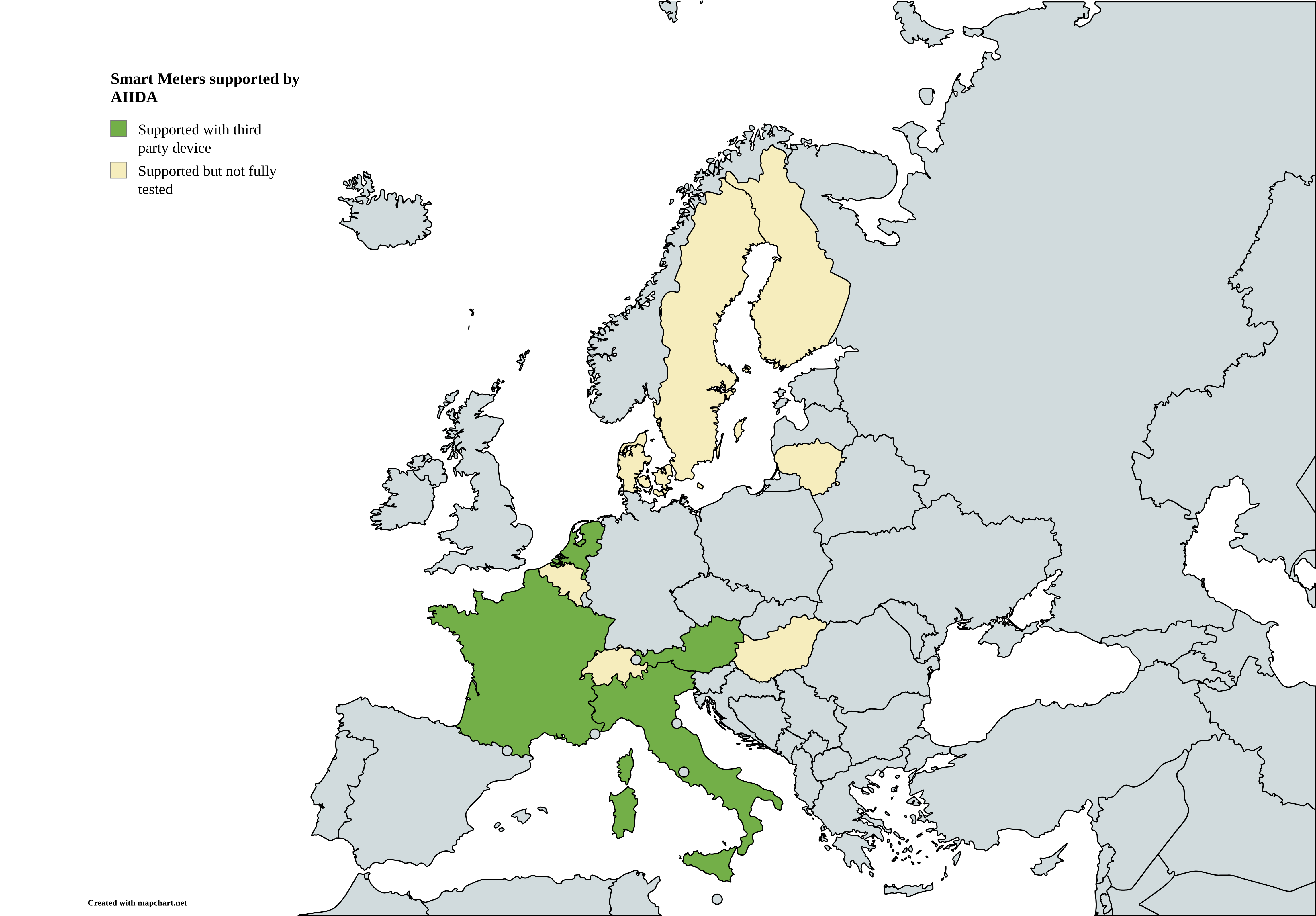
Map created with https://www.mapchart.net
Common properties
id: Unique identifier of the data source.userId: Identifier of the user who owns the data source.name: Human-readable name of the data source.asset: Asset categorization of the data source (see Assets).countryCode: ISO 3166-1 alpha-2 country code for localization purposes (e.g.ATfor Austria). This is needed to determine the correct coding scheme for parsing data to CIM.enabled: Boolean flag indicating whether the data source is active.icon: Icon representing the data source in the UI.image: Optional image associated with the data source.type: Type of the data source (see Data Source Types).
Assets
Assets categorize data sources based on their functional role within the system. The asset types are based on the definitions in the Network Code for Demand Response. The following asset types are supported:
- Connection Agreement Point
- Controllable Unit
- Dedicated Measurement Device
- Submeter
Data source types
There are basic features, which all data sources share, but depending on the protocol used to gather data, some data sources have additional features. The following data source types are supported:
Adding a data source
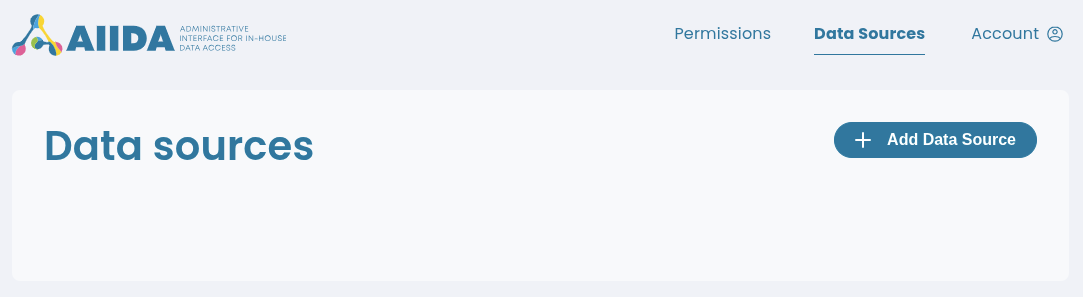
Adding a data source is done via the AIIDA Web UI. After logging in, navigate to the "Data Sources" section and click on "Add Data Source".
A dialog will appear in which the details of the new data source can be specified. The fields in the dialog correspond to the properties described above.
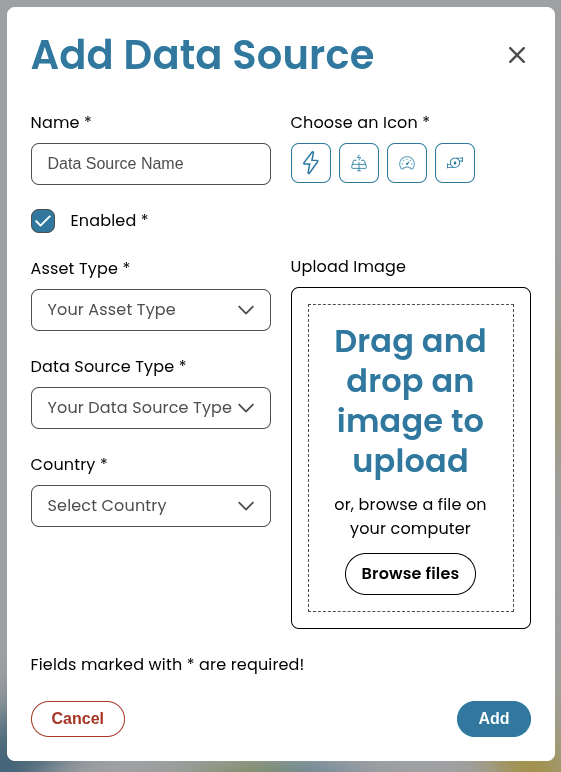
After filling in the required fields, click "Add" to create the data source.