
Data Source: Sinapsi Alfa (Italy)
NOTE
As far as known, Sinapsi Alfa over MQTT is only available for B2B customers and therefore not for private customers.
The Sinapsi Alfa device connects Italian Smart Meters with AIIDA. While it is technically possible to access the data locally via Modbus, the requirements for Oetzi Strom rely on AIIDA’s cloud-based setup - therefore, the global MQTT broker of Sinapsi Alfa is used.
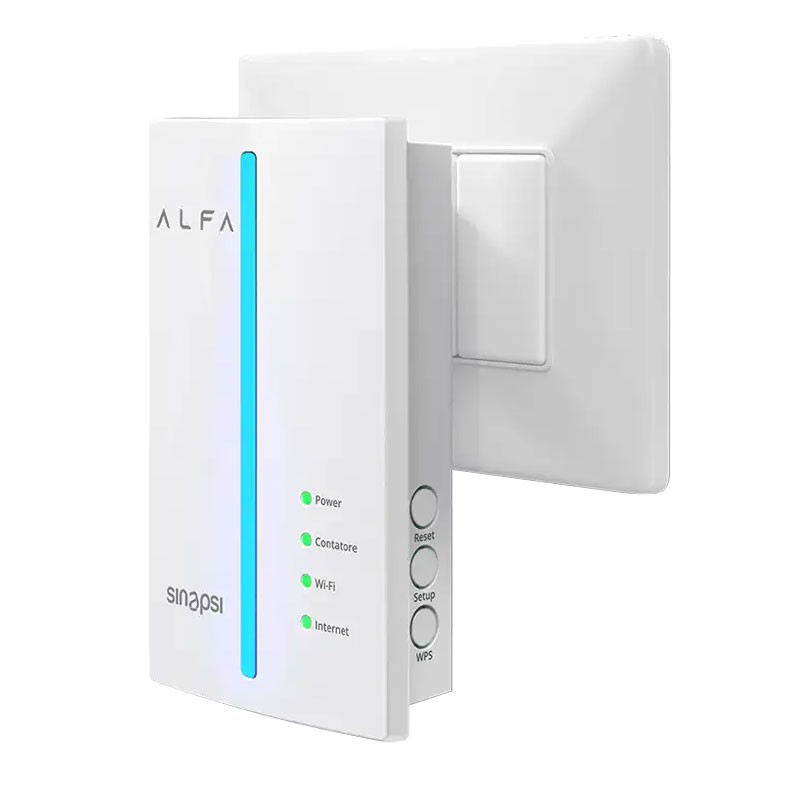
Integration with AIIDA
Data Source Configuration
The setup of the device itself was not done by the EDDIE team, therefore please refer to the official documentation. Find the documentation for your device on the product page of your device at www.sinapsi.store.
After the device was set up and connected to the internet, it must be registered in the MySinapsiB2B platform by entering the activation key. The Activation Key is a Universally Unique Identifier (UUID) assigned to each IoMeter2G and is used by the end user during installation to verify ownership. The label on the device has the full activation key and a QR code for it.
Example Activation Key:
a1b2d3-1a2b3-a1b2d-1a2b3-a1b2d
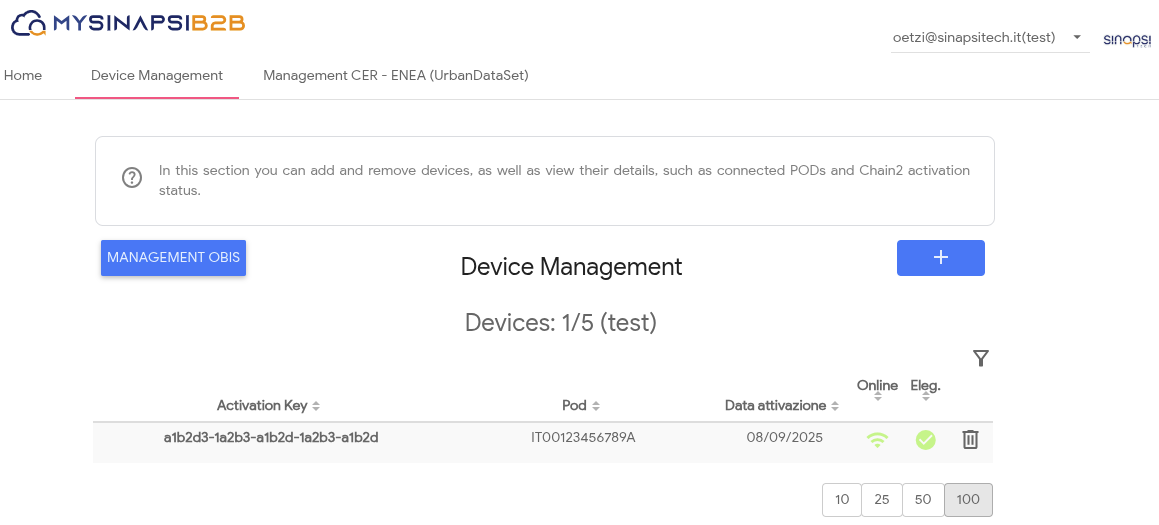
Setup in AIIDA
Prerequisites
Before connecting, set the following environment variables in your .env file using the provided Sinapsi credentials:
DATA_SOURCE_IT_SINAPSI_ALFA_MQTT_USERNAME=<your_username>
DATA_SOURCE_IT_SINAPSI_ALFA_MQTT_PASSWORD=<your_password>
These credentials are required to authenticate with the MQTT broker.
WARNING
Providing these credentials means all users on this specific AIIDA instance can read the data by supplying the activation key.
Adding a data source
In addition to the configuration options described in the general data source documentation, a Sinapsi Alfa data source needs the activation key to be entered.
Connect with AIIDA
AIIDA automatically connects to the broker of Sinapsi. Therefore, no additional configuration has to be done.
Additional things to consider
Data Structure
The device publishes its readings as MQTT messages minutely - each containing data per OBIS code.
- Broker:
hstbrk.sghiot.com- Topic:
/{USERNAME}/iomtsgdata/{ACTIVATION_KEY}
Example payload
[
  {
    "du": "DU12345678",
    "pod": "IT00123456789A",
    "data": [
      {
        "ts": "1757506202",
        "1-0:1.7.0.255_3,0_2": "59"
      }
    ]
  }
]du: IoMeter2g fabrication numberpod: Point of Delivery (Meter ID): This is an alphanumeric code (consisting of 14 or 15 characters) that always begins with “IT” and clearly identifies the point of delivery, i.e., the physical point where the energy is delivered by the seller and collected by the end customer. The code does not change even if the seller changes.data: Array of readingsts: Timestamp of the reading (Unix epoch time)- OBIS codes (e.g.,
1-0:1.7.0.255_3,0_2): Corresponding values
Sources
- Confidential API documentation provided by Sinapsi (not publicly available)
- https://www.sinapsitech.it/en/alfa-support/