
Data Source: Shelly (International)
WARNING
When not using the official smart meter data, measurement accuracy may vary, and billing-relevant values cannot be guaranteed
Shelly devices are a range of smart home products for various purposes, including switching, dimming, and metering energy and power usage. They are known for their simple installation and seamless integration into various home automation systems.
The Shelly data source allows the integration of energy systems that do not use an AIIDA-supported smart meter adapter. It supports both single-phase and three-phase energy systems.
These devices measure energy either via contactless current transformer (CT) clamps, by being directly integrated into the electrical circuit, or by other mechanisms. They connect to smart home ecosystems via Wi-Fi, providing near real-time monitoring capabilities.
With native MQTT support, they can be seamlessly integrated into AIIDA.
Tested Devices
| Device | Category | Phases | Data Signals | Image |
|---|---|---|---|---|
| Shelly Pro 3 EM Gen2 | Shelly 3EM | Three-phase | triphase: 1 x EM, 1 EMDatamonophase: 3 x EM1, x 3 EM1Data | 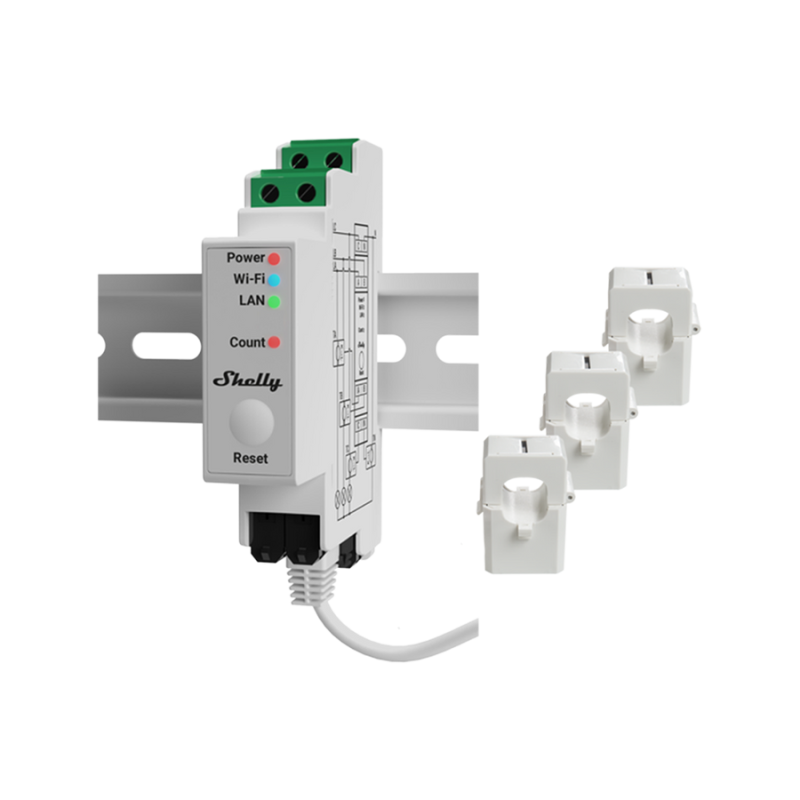 |
| Shelly EM Gen3 | Shelly EM | Single-phase | 1 x Switch, 2 x EM1, 2 x EM1Data | 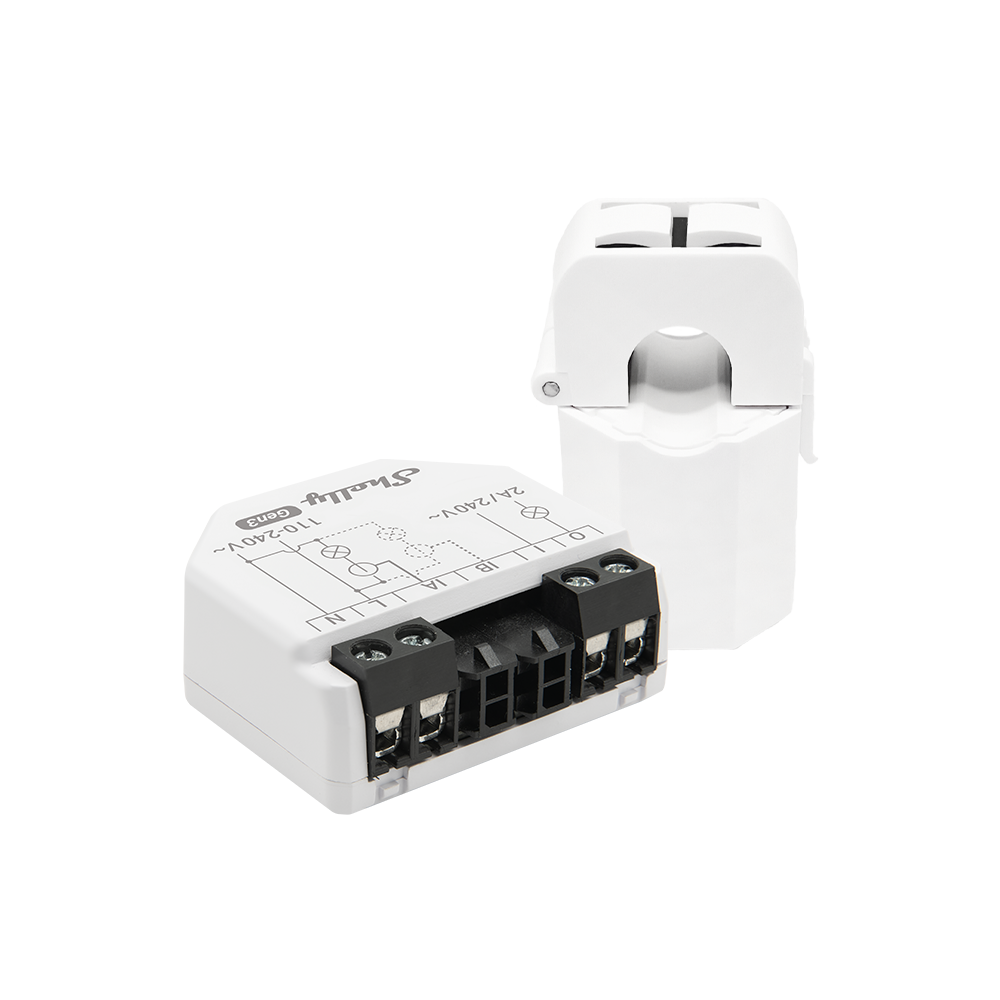 |
| Shelly 1 PM Gen4 | Shelly PM | n channels (1 <= n <= 4) | 1 x Switch | 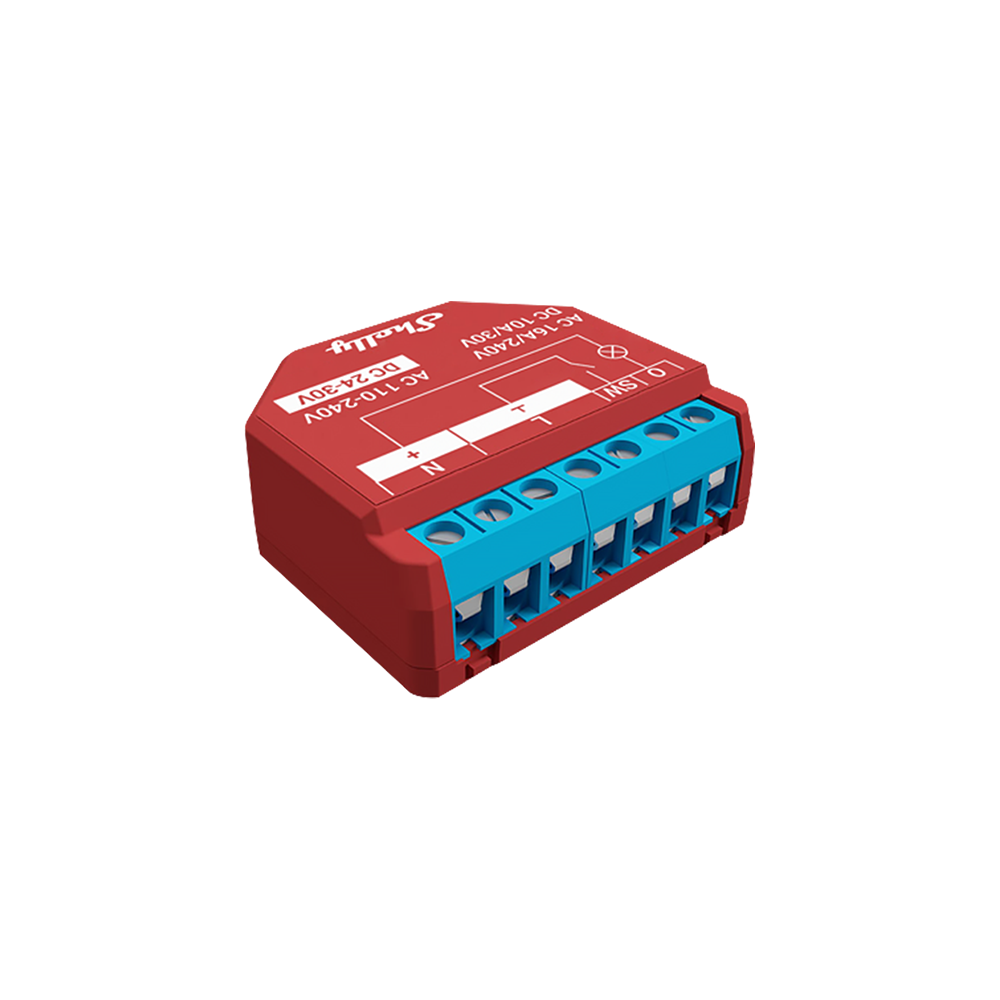 |
Supported Data Signals
Theoretically, all devices sending one or more of the following signals are supported by AIIDA:
| Signal | Description | Frequency | IDs |
|---|---|---|---|
Health | Device online/offline status | On change (last one retained) | |
EM | Current 3-phase measurements | On threshold exceeded | em:0 |
EM1 | Current single-phase measurements | On threshold exceeded | em1:0, em1:1, em1:2 |
EMData | Total 3-phase energy consumption/production | Every full minute | emdata:0 |
EM1Data | Total single-phase energy consumption/production | Every full minute | em1data:0, em1data:1, em1data:2 |
Switch | Current single-channel measurements | On threshold exceeded | switch:0, switch:1, switch:2, switch:3 |
Integration with AIIDA
Data Source Configuration
WARNING
The Shelly devices must be installed by a qualified person.
Shelly devices can be configured through the mobile Shelly App or the built-in web interface. After wiring and mounting, the device can be connected by scanning the QR code in the app (more details: https://kb.shelly.cloud/knowledge-base/add-new-device). The Wi-Fi credentials must be provided to connect the device to the local network. Once connected, the device can be accessed simply via the app or via its IP address in a web browser.
Setup in AIIDA
The same inputs have to be entered as described in the general data source documentation.
Connect with AIIDA
Shelly needs to be set up to transmit near real-time energy data to AIIDA via MQTT.
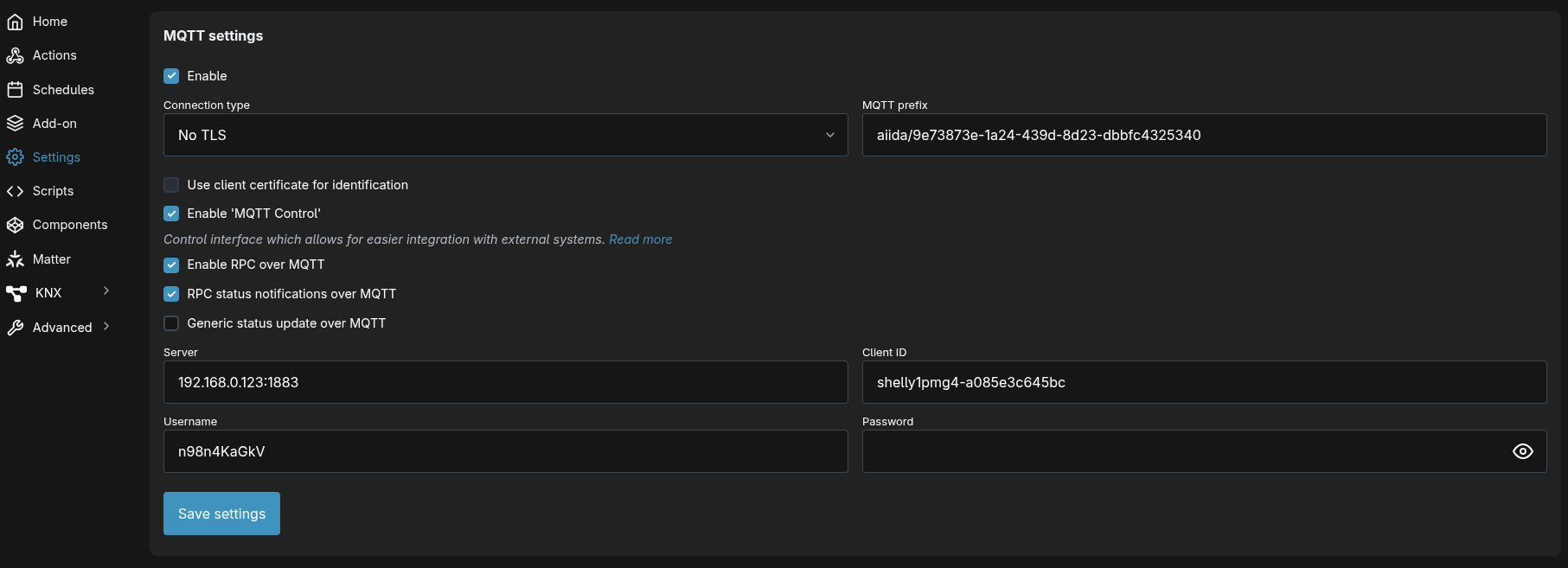
Same with all the other MQTT-based data sources, AIIDA provides the broker URL, topic, username, and password:
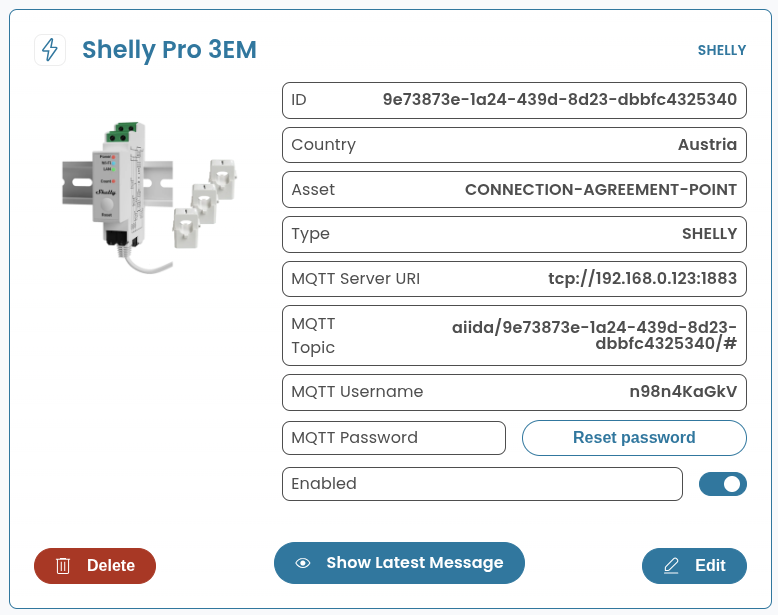
These MQTT details must be entered in the Shelly device configuration (the screenshot shows the web interface, but the app is similar). Settings -> MQTT:
Additional things to consider
Payloads
Health
true OR falseEM
{
  "src": "shellypro3em-1234567890ab",
  "dst": "aiida/12345678-1234-1234-1234-123456789abc/events",
  "method": "NotifyStatus",
  "params": {
    "ts": 1757059829.08,
    "em:0": {
      "id": 0,
      "a_act_power": 0,
      "a_aprt_power": 0,
      "a_current": 0.027,
      "a_freq": 198,
      "a_pf": 1,
      "a_voltage": 0,
      "b_act_power": 0,
      "b_aprt_power": 0,
      "b_current": 0.027,
      "b_freq": 160.7,
      "b_pf": 1,
      "b_voltage": 0,
      "c_act_power": -18,
      "c_aprt_power": 108.7,
      "c_current": 0.476,
      "c_freq": 50,
      "c_pf": 0.55,
      "c_voltage": 228.3,
      "n_current": null,
      "total_act_power": -18.017,
      "total_aprt_power": 108.708,
      "total_current": 0.531
    }
  }
}
EM1
{
  "src": "shellypro3em-1234567890ab",
  "dst": "aiida/12345678-1234-1234-1234-123456789abc/events",
  "method": "NotifyStatus",
  "params": {
    "ts": 1757059829.08,
    "em1:2": {
      "id": 0,
      "act_power": 0,
      "aprt_power": 0,
      "current": 0.027,
      "freq": 198,
      "pf": 1,
      "voltage": 0
    }
  }
}
EMData
{
  "src": "shellypro3em-1234567890ab",
  "dst": "aiida/12345678-1234-1234-1234-123456789abc/events",
  "method": "NotifyStatus",
  "params": {
    "ts": 1757060280.21,
    "emdata:0": {
      "id": 0,
      "a_total_act_energy": 0.06,
      "a_total_act_ret_energy": 0,
      "b_total_act_energy": 0.06,
      "b_total_act_ret_energy": 0.01,
      "c_total_act_energy": 26289.44,
      "c_total_act_ret_energy": 131881.85,
      "total_act": 26289.57,
      "total_act_ret": 131881.86
    }
  }
}
EM1Data
{
  "src": "shellypro3em-1234567890ab",
  "dst": "aiida/12345678-1234-1234-1234-123456789abc/events",
  "method": "NotifyStatus",
  "params": {
    "ts": 1757060280.21,
    "em1data:1": {
      "id": 0,
      "total_act_energy": 0.06,
      "total_act_ret_energy": 0
    }
  }
}
Switch
{
  "src": "shelly1pmg4-1234567890ab",
  "dst": "aiida/12345678-1234-1234-1234-123456789abc/events",
  "method": "NotifyStatus",
  "params": {
    "ts": 1757591520.01,
    "switch:0": {
      "aenergy": {
        "by_minute": [
          0,
          0,
          0
        ],
        "minute_ts": 1757591520,
        "total": 0
      },
      "apower": 0,
      "current": 0,
      "freq": 50.01,
      "ret_aenergy": {
        "by_minute": [
          0,
          0,
          0
        ],
        "minute_ts": 1757591520,
        "total": 0
      },
      "voltage": 228.5
    }
  }
}
Phases
The phase information is either derived from the prefix or the instance ID.
Prefix EM/EMData
| Phase | Prefix |
|---|---|
| 1 | a_... |
| 2 | b_... |
| 3 | c_... |
| Neutral | n_... |
| Total | total_... |
Instances EM1/EM1Data/Switch
| Phase | Instances |
|---|---|
| 1 | em1:0, em1data:0, switch:0, switch:1, switch:2, switch:3 |
| 2 | em1:1, em1data:1 |
| 3 | em1:2, em1data:2 |