
Permissions
AIIDA uses permissions to control the sharing of near-real time data. One permission in AIIDA correlates to one permission of an EDDIE instance.
Stored Data
The following class diagram shows the main entities involved in the permission system.
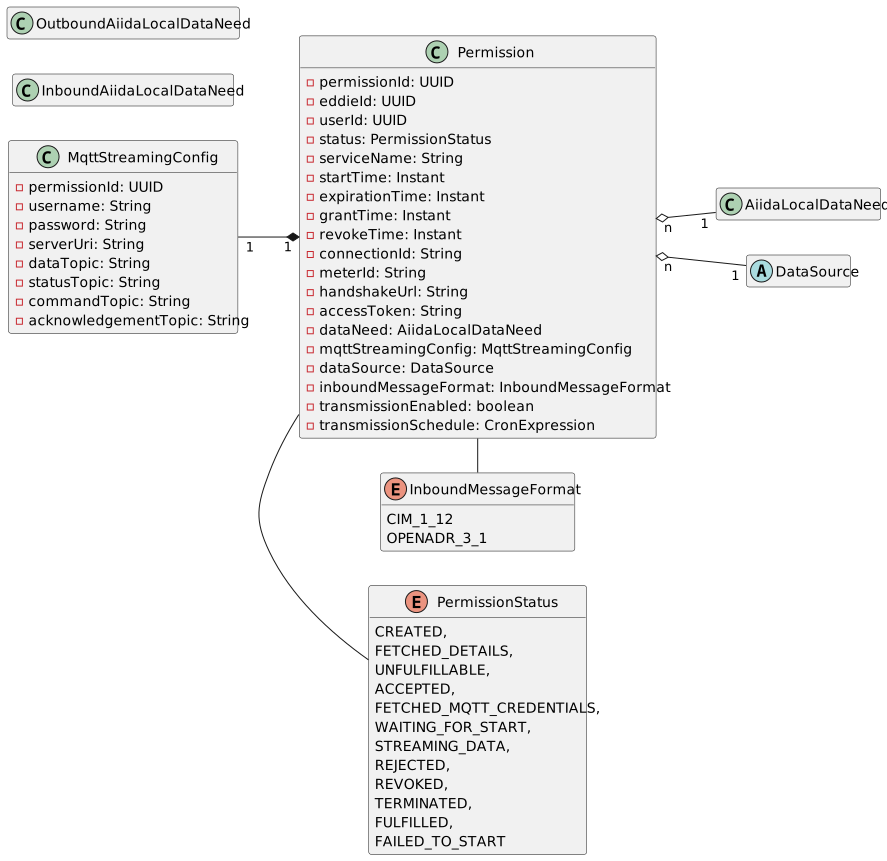
Each permission is associated with a PermissionStatus indicating its current state. Each permission is also associated with a single Datasource and a single DataNeed (LocalAiidaDataNeed).
AIIDA is communicating with EDDIE over MQTT. After the handshake between AIIDA and EDDIE, AIIDA receives the MqttStreamingConfig from EDDIE. This configuration contains the necessary information to connect to the MQTT broker of EDDIE. It also specifies the topics on which AIIDA can publish and subscribe to.
Adding a permission
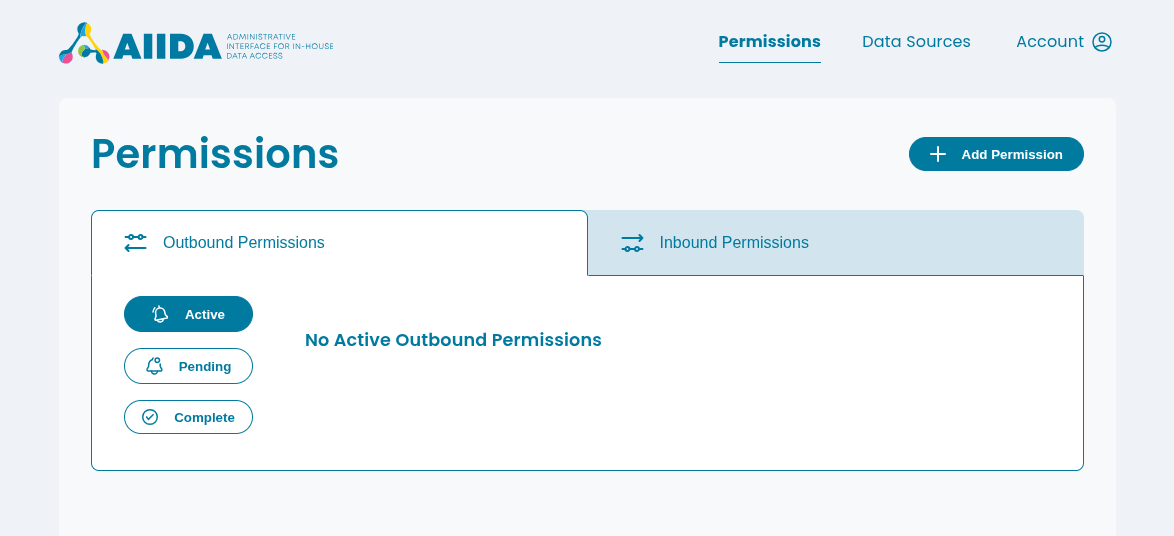
Adding a permission is done via the AIIDA Web UI. After logging in, navigate to the "Permissions" section and click on "Add Permission".
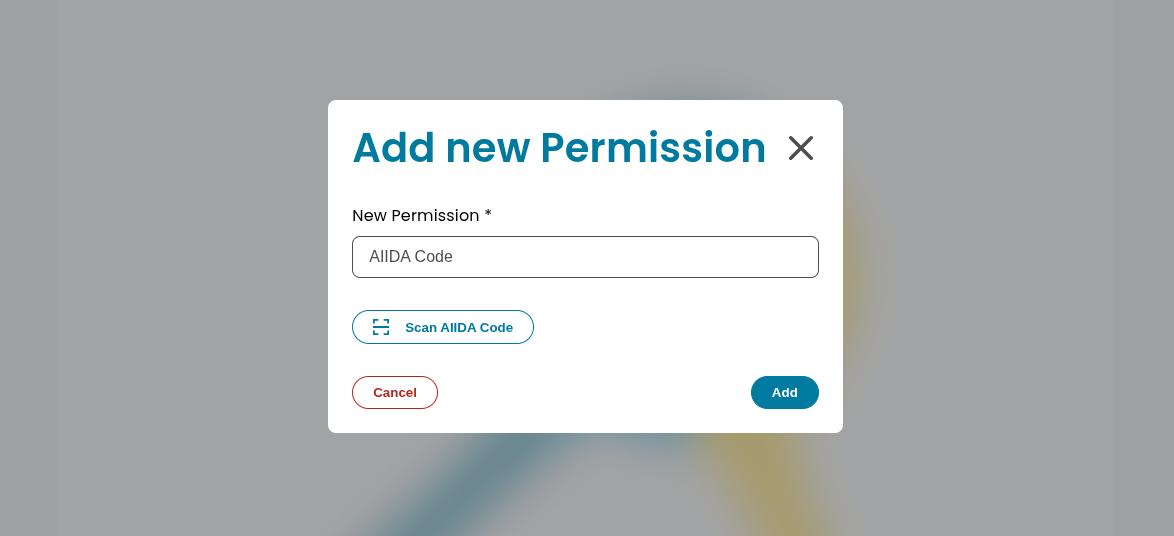
A dialog will appear in which the AIIDA code of the permission can be entered. The AIIDA code can be obtained from the EDDIE permission facade.
After entering a valid AIIDA code, another dialog will appear showing the following metadata:
- Service name
- Permission state
- Creation date
- EDDIE ID
- Start date
- End date
- The applied schema transformation on the shared data
- The asset type
- The required OBIS codes
The user must then select a data source which will be associated with this permission. The data source represents the source of the data that will be shared under this permission.
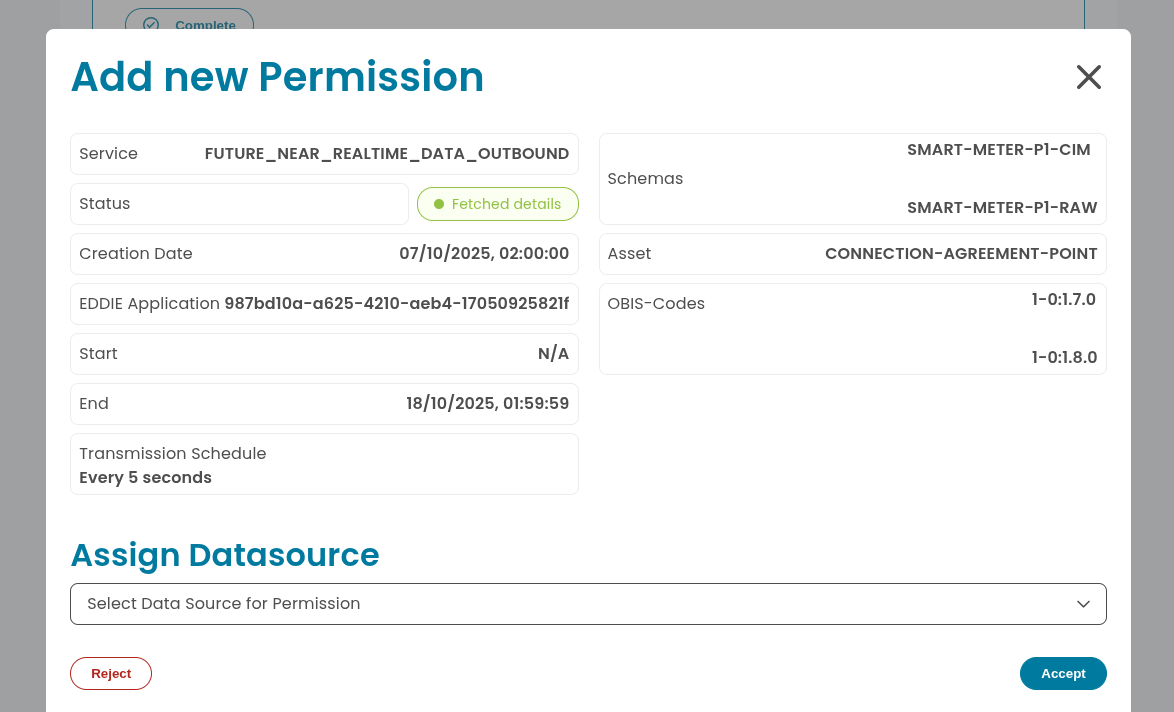
The user must now either accept or reject the permission using the respective buttons. Depending on the permission's metadata, the permission will start immediately after accepting or will be scheduled to start at a later date.